Choosing a first game together
Start with what a child can see and do, then look at what the grown-up needs to manage. Try the controls on your own device, read the real payment terms and check for communication or personal-data requests. A short shared introduction tells you more than a broad promise that a game is suitable for everyone.
By Integrity Ai Ventures · Reviewed
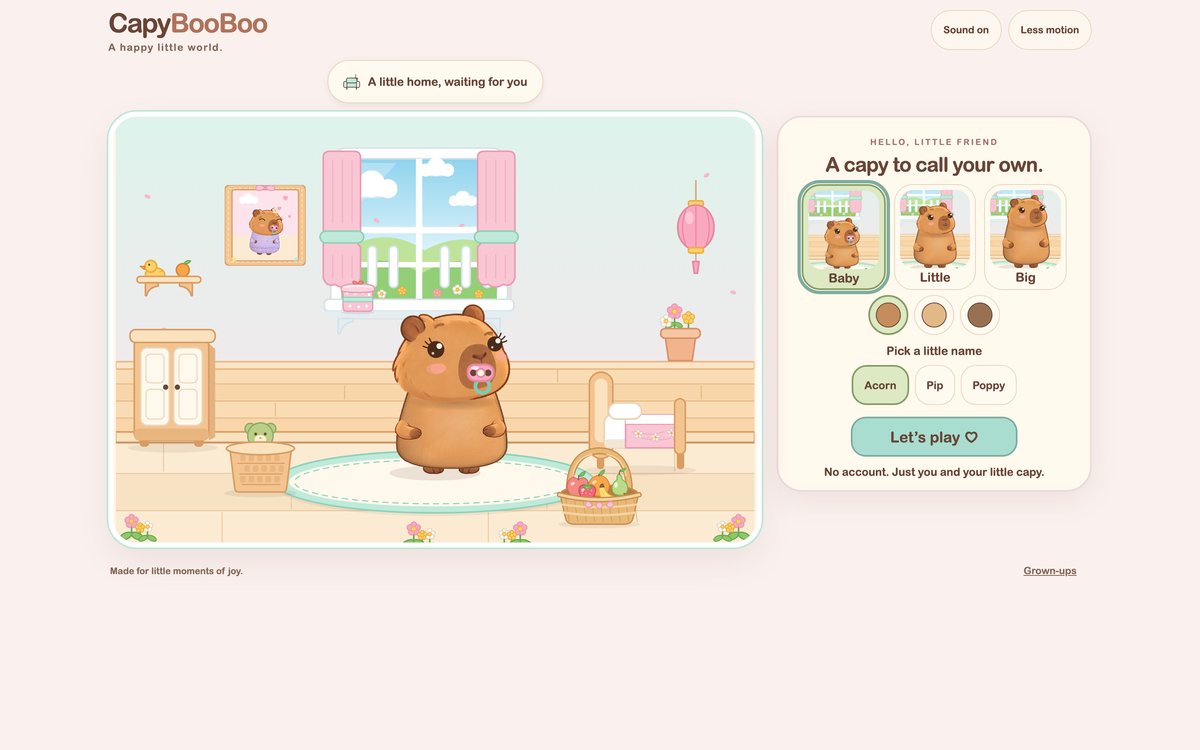
Can your child understand the next action?
Look for clear pictures, visible controls and a reaction to a tap. Explore together rather than assuming a child should already know how to drag or steer. In CapyBooBoo, choose from preset pet labels and familiar activities such as bath, dress-up and bubbles; no child name is needed.
What needs a parent decision?
Read the total charge, billing frequency, renewal and cancellation route. Check whether a website opens another app or requests an account. CapyBooBoo uses a parent sign-in and paid access before play, with optional support separate from the game purchase.
What happens when you stop?
Choose an ordinary stopping point and close the browser when your family is ready. Cappy remains comfortable; there is no care penalty for leaving. This is a description of the game, not health advice about a child's screen time.
What should you read before paying?
Read the provider's current pricing, privacy and help information. Check whether play includes public communication and where saves live. Every family and device is different, so we do not treat this checklist as an age rating or a guarantee of suitability.
Ready to meet Cappy?
Parents choose access first. Every option includes the complete current game, with no free trial.