Your pet's progress and your paid access
Progress is saved in this browser on this device. Signing in on another device restores paid access, not your pet's progress. Clearing browser data or ending a private-browsing session can remove local saves.
By Integrity Ai Ventures · Reviewed
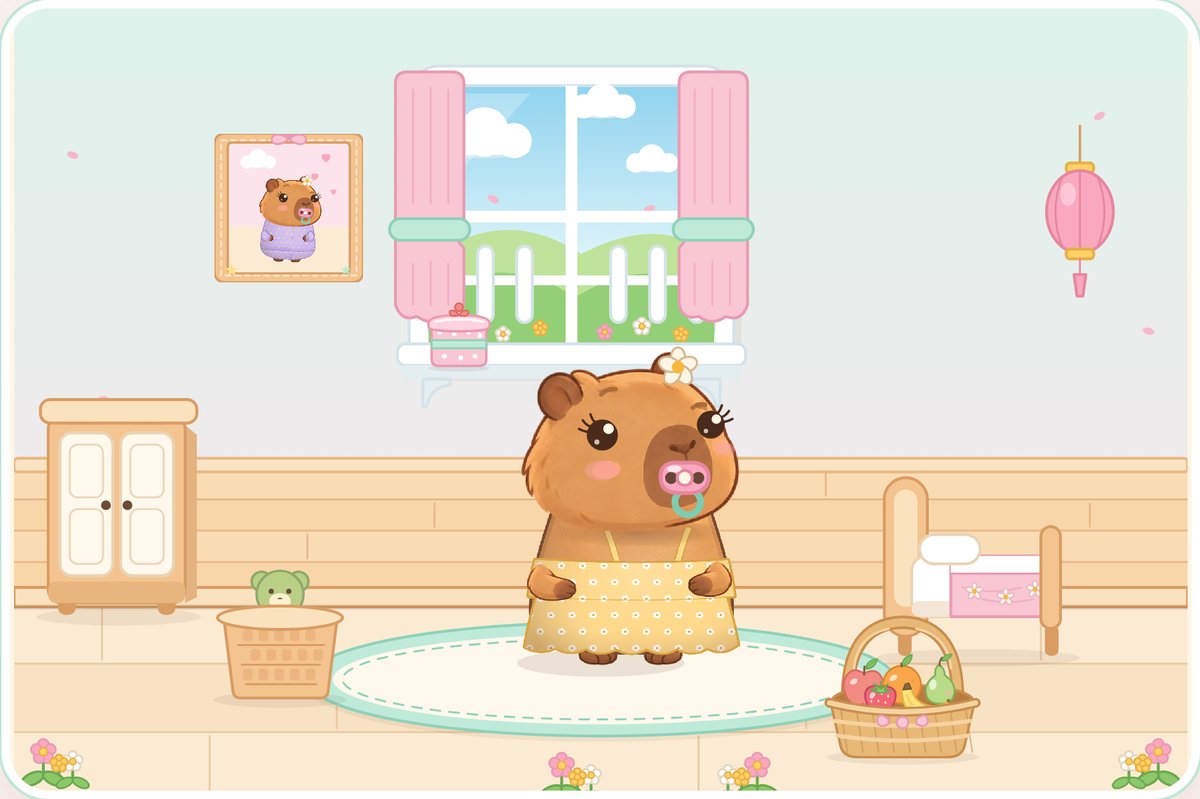
What is saved locally?
The chosen pet, outfits, stickers and game settings belong to the browser's local progress. Use the same browser profile on the same device to return to those choices. Browser storage can be cleared, particularly in private browsing, so local saving is not a promise of permanent cloud backup.
What does parent sign-in restore?
After Google verifies the parent email, the server checks the eligible paid purchase or subscription. A valid parent account can restore access on another browser without buying again. That server access record is separate from a child's local pet choices.
What should I do before changing devices?
Keep the original browser and its data available if the child wants to keep playing the same local pet. Sign in on the new device to restore access. Expect new local progress there; no progress transfer or cloud synchronisation is advertised.
Does cancelling delete our pet?
Cancellation stops the next recurring renewal and retains paid access until the confirmed end date. Local progress is a separate browser save. Do not clear browser data as a way of cancelling a subscription; use Parents and Stripe's management portal.
Questions from grown-ups
Will a one-off support payment restore access?
No. Support grants no entitlement. Restore using the parent email associated with an eligible game purchase or subscription.
Ready to meet Cappy?
Parents choose access first. Every option includes the complete current game, with no free trial.